

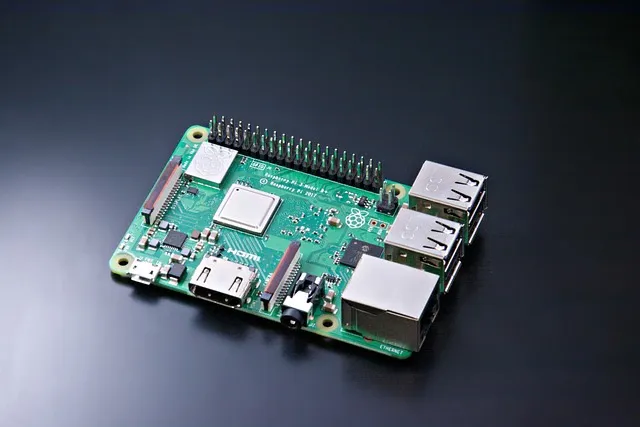
Who would have thought that such a tiny device as the Raspberry Pi could become a fully functional gaming console? Pretty surprising, right? Most people see it as a nerdy little computer, but it can play retro games, indie titles, and even stream your PC games. Sounds complicated? Don't worry—I'll guide you through it step by step, and you'll see it's actually much easier than it looks.
Retro Gaming: Relive the Classics
The first thing most people think of when they hear Raspberry Pi gaming is retro games. NES, SNES, Sega, even PlayStation 1—it can handle them all. It's like turning back time and spending hours playing Zelda or Sonic as if you were 10 years old again.
The best options for retro gaming:
- RetroPie: Popular, easy to install, and packed with step-by-step tutorials. Perfect for beginners.
- RecalBox: Clean, all-in-one, and simple to use. Ideal if you want to get started quickly.
- Lakka: Minimalist and lightning fast. Great for users who prefer a clean and streamlined setup.
Pro tip: Use a USB controller. It gives you that authentic console feeling without spending a fortune. Also make sure your SD card is fast enough (Class 10 or higher), otherwise you may experience lag and stuttering.
Steam Link: Play Your PC Games on the Pi
With Steam Link, you can play demanding PC games on your Raspberry Pi. The game actually runs on your PC, while the Pi handles the display and controls. You don't need to install the game on the Pi itself, making it perfect for your living room or bedroom setup.
My advice: use a stable Wi-Fi connection or, even better, an Ethernet cable. Network lag can quickly become frustrating, especially during difficult boss fights.
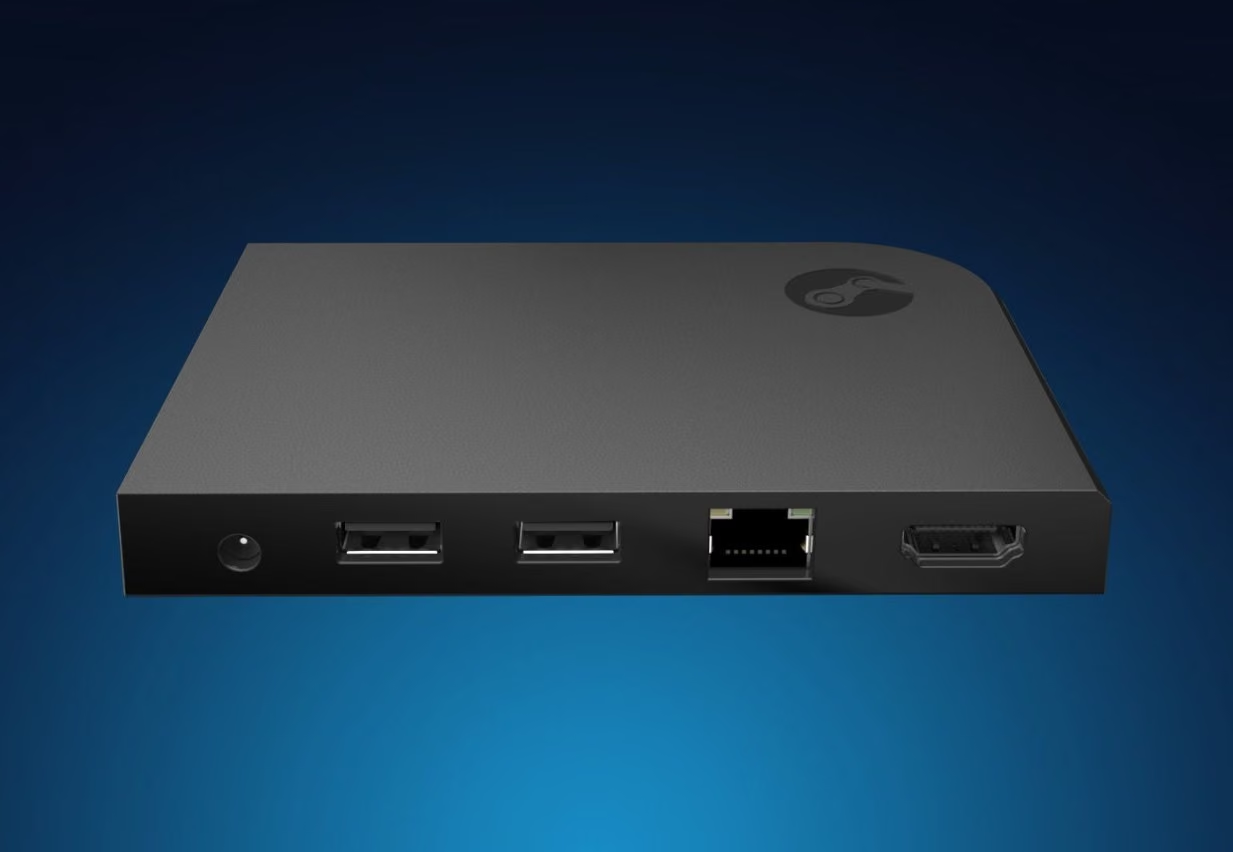

A fun example is streaming games like Cuphead or Stardew Valley through Steam Link. It feels as though your PC and Raspberry Pi are working together while you relax comfortably on the couch.
The Best Games for Raspberry Pi
You might think the Raspberry Pi is only good as a media center, but believe me, there are still plenty of games you can play, even on a Pi 4 or Pi 5. And no, they don't all have to be slow or glitchy. We've put together a list of games that actually run well and are easy to install.
What Does apt-get Mean?
Before diving into the list: whenever you see apt-get, it means you can install the game directly from the terminal with just a few commands.
sudo apt-get update
sudo apt-get install GAMENAME
Replace GAMENAME with the name of the game. In most cases, installation is quick and hassle-free.
Strategy & Simulation Games
- Battle for Wesnoth: Turn-based fantasy strategy game.
- Widelands: Similar to The Settlers, with smooth gameplay.
- Freeciv: Civilization-inspired strategy game.
- OpenTTD: Transport simulation and building game.
- Simutrans: Transport simulator with adjustable performance.
- Flare: Action RPG engine with mod support.
- Lincity: City management simulator.
Platformers & Jump 'n' Run Games
- SuperTux: Mario-style platformer.
- Pingus: Lemmings-style puzzle platformer.
- XJump: Physics-based jumping game.
- Funny Boat: Simple 2D platformer.
Shooters & Action Games
- KETM: Space Invaders-style shooter.
- Blob Wars: Metal Blob Solid: 2D action shooter.
- PrBoom: Doom engine port.
- Battle Tanks: Tank combat game.
Puzzle & Board Games
- TINT: Tetris clone.
- Stax: Color puzzle game.
- Hexxagon: Strategy board game.
- Mancala: Classic board game.
Conclusion
The Raspberry Pi proves you don’t need an expensive gaming PC to have fun. Retro games, indie games, and even PC streaming are all possible.
Start with RetroPie or Steam Link and explore from there. Gaming on a Pi is surprisingly powerful for such a small device.

Webmastahhh is the creator of Mastanet, a gaming and technology website where he shares news, reviews, guides and personal insights about games, hardware, software and the future of digital entertainment.










 You may also like

 0
0


