

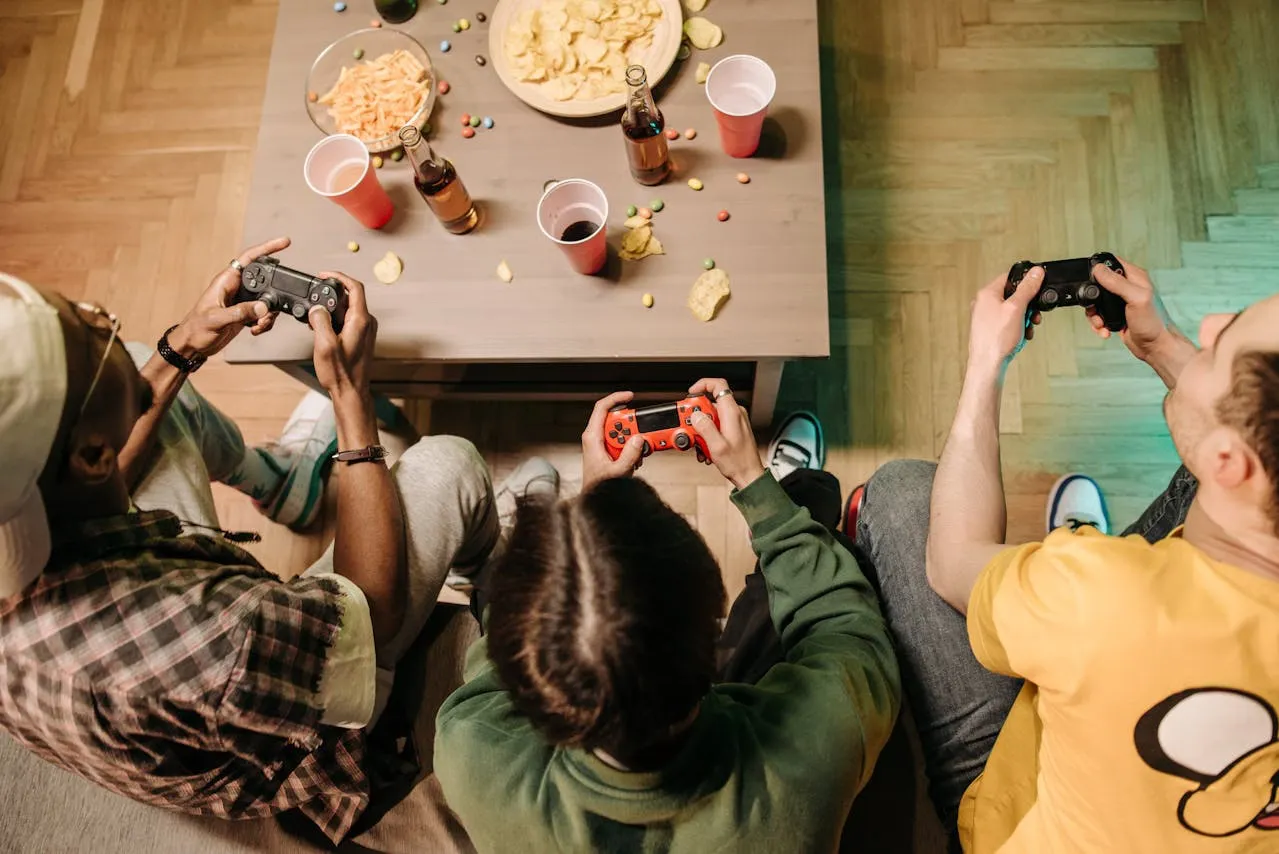
Gaming isn't just about having the fastest graphics card or the latest games. A great gaming experience also depends on comfort, your setup, and how you take care of yourself during long sessions. From choosing the right chair to keeping your eyes, body, and gaming gear healthy, small improvements can make a big difference.
Choosing the Best Gaming Chair
A gaming chair won't magically improve your aim or reaction time. However, if you spend hours behind your desk, a comfortable and supportive chair can make long gaming sessions a lot more enjoyable.


Don't just focus on looks. Check adjustability, lumbar support, and armrests. After a few weeks you'll probably notice it more than on day one. A comfortable chair doesn't make you play better, but it does make long sessions a lot easier on your back and shoulders.
A few examples of popular choices:
- Secretlab Titan Evo 2026: It may not be cheap, but you'll sit like a king. Fully adjustable with memory foam that feels genuinely comfortable.
- Herman Miller x Logitech G Embody: If you're serious about gaming and love great design, this is the chair for you. It supports your entire back.
- Autonomous ErgoChair Pro+: Budget-friendly and surprisingly comfortable. Not as flashy as the others, but your back will notice the difference.
Healthy Snacks for Gamers
Sure, chips and energy drinks are easy, but you don't want to crash at 3 AM or have your stomach complaining. Here are a few great alternatives:
- Mixed nuts: Mixed nuts contain healthy fats and protein, making them a more balanced snack option during long gaming sessions. Just a handful, not the whole bag.
- Dates, grapes, and low-fat cheese: A balanced snack with natural sugars, protein, and healthy nutrients. Not a fan of cheese? Replace it with a handful of unsalted nuts.
- Protein bars: If you don't have time to cook between matches, these are lifesavers.
- Water with a twist or simply tea: Add some lemon or cucumber. Staying hydrated is key because coffee alone isn't enough.
Of course, an occasional piece of chocolate (preferably dark chocolate = more fiber) is perfectly fine too, but everything in moderation!
Creating the Perfect Gaming Setup
Your chair and snacks matter, but your entire setup is what really makes gaming enjoyable. Small things can make a huge difference:
Gaming Monitors: ASUS ROG Swift and LG 27GP950
A gaming monitor is one of the most noticeable upgrades you can make to your setup. Even with a powerful PC, a poor display can limit your experience. A good monitor can make games look smoother, sharper, and more immersive.

Refresh rate, response time, resolution, and panel quality all play an important role. Competitive gamers often prefer higher refresh rates because movement feels more fluid, while players who enjoy story-driven games may prefer higher resolution and better image quality.
A monitor should also match your hardware. Buying an expensive 4K display does not always make sense if your graphics card cannot run games smoothly at that resolution. Finding the right balance between performance and image quality is usually the best choice.
Popular examples include the ASUS ROG Swift series and the LG 27GP950, which are known for their strong gaming features and visual quality.
Gaming Keyboard & Mouse: Razer Huntsman Mini and PRO X2 superstrike
Your keyboard and mouse are the tools you use every second while gaming. A comfortable keyboard can reduce strain during long sessions, while a responsive mouse can make aiming and controlling games feel more precise.


For competitive games, many players prefer lightweight mice and keyboards with fast response times. For casual gaming, comfort and reliability are often more important than having the fastest hardware available.
- Keyboard & mouse: Comfort and responsiveness matter. Recommended: Razer Huntsman Mini + Logitech G Pro Wireless.
Gaming Headset: HyperX Cloud II and Logitech G Pro X
Sound is often overlooked when building a gaming setup, but a good headset can completely change the way you experience games. Audio helps create immersion, allowing you to notice small details like footsteps, environmental sounds, dialogue, and effects that are easy to miss with basic speakers.


For competitive games, accurate sound positioning can be especially useful. Being able to quickly identify where sounds are coming from can make a difference in fast-paced games like shooters and multiplayer titles.
Comfort is just as important as sound quality. A headset that sounds amazing but becomes uncomfortable after an hour is not ideal for long gaming sessions. Look for features like comfortable ear cushions, a good microphone, and a design that does not create too much pressure.
Popular examples include the HyperX Cloud II and the Logitech G Pro X Headset. Both are well-known gaming headsets that focus on comfort, clear audio, and communication during online gaming.
Gaming Desk Organization and Lighting
A clean and organized desk can make your gaming space feel much better. Good cable management prevents clutter, while proper lighting can reduce eye strain and make your setup more comfortable.
RGB lighting can add personality to your room, but it is not required. A simple desk lamp with soft lighting can work just as well.
- Lighting: Soft and not shining directly into your eyes. RGB is fun, but a ring light or an Ikea Lampan LED can also work well as a simple desk light.
- Cables: Keep them organized with clips or sleeves, such as the JOTO Cable Management Sleeve.
Stay Active During Long Gaming Sessions
Gaming is fun, but your body needs attention too. Moving around keeps you sharp and helps prevent your back or eyes from complaining. You'll simply feel better.
- Stretch breaks: Get up every hour and stretch your arms, neck, and back.
- Mini workouts: 5-10 minutes of push-ups, squats, or planks between matches gives you an instant energy boost.
- Cycling / mountain biking, running, or swimming: Cardio is great for your fitness and focus.
- VR or fitness games: If you really don't feel like going outside, you can stay active at home.
Tip: Water and fruit after a short workout will keep your energy levels up for your next gaming session. Gaming and staying active = a win-win.
Protect Your Eyes and Improve Your Sleep
Many gamers invest hundreds of dollars in their setup but forget about their eyes and sleep. If you spend hours looking at a screen, taking care of your vision is just as important as having a fast PC.
- Follow the 20-20-20 rule: Every 20 minutes, look at something about 20 feet (6 meters) away for at least 20 seconds.
- Reduce eye strain: Keep your room well lit and adjust your monitor brightness so it matches the environment.
- Blink more often: It sounds simple, but many gamers blink less while focusing, which can lead to dry eyes.
- Get enough sleep: A well-rested brain reacts faster, makes better decisions, and helps you stay focused during long gaming sessions.
Taking short breaks and getting enough sleep won't just make you feel better—they can also improve your reaction time and overall gaming performance.
How to Keep Your Gaming Gear Clean
Even the best gaming setup won't stay great if it's covered in dust and fingerprints. Keeping your gear clean isn't just about looks—it can also improve comfort, hygiene, and even the lifespan of your equipment.
- Keyboard: Remove dust and crumbs regularly with compressed air or a soft brush. Wipe the keys with a microfiber cloth.
- Mouse: Clean the sensor and the feet occasionally to keep tracking smooth and accurate.
- Controller: Wipe down the buttons and thumbsticks with a soft cloth. Over time, dirt and skin oils can build up and affect comfort.
- Headset: Clean the ear cushions and microphone every now and then. This helps keep your headset fresh, especially during long gaming sessions.
- Monitor: Use a clean microfiber cloth to remove dust and fingerprints. Avoid spraying liquids directly onto the screen.
Spending just a few minutes cleaning your gaming gear every couple of weeks can make your setup feel almost brand new and help your equipment last longer.
Can Better Gaming Gear Improve Your Gameplay?
Better gaming gear won't magically turn you into a professional player. A €300 gaming chair won't improve your aim, and an expensive mouse can't replace practice, experience, or game knowledge.
However, the right equipment can remove distractions and make your gaming sessions more comfortable. A responsive mouse, a clear headset, a comfortable chair, and a well-organized desk can help you stay focused for longer.
The biggest improvements come from comfort and consistency. When you're not dealing with back pain, uncomfortable gear, or a messy setup, you can focus more on the game itself.
- Better comfort: Helps you stay focused during longer gaming sessions.
- Less distraction: Good gear reduces small frustrations while playing.
- More enjoyment: A setup you like makes gaming more relaxing.
- Better habits: A good environment encourages healthier gaming sessions.
In the end, expensive gear is not a shortcut to becoming a better gamer. Skill comes from practice, patience, and experience. The right setup simply helps you get the most out of your gaming time.
Conclusion
A gaming lifestyle in 2026 isn't just about the latest games. It's about comfort, energy, and style. It may sound basic, but a good chair, smart snacks, and a clean setup make gaming so much more enjoyable. Less pain, fewer energy crashes, and better focus during matches. They won't magically make you a better gamer, but you'll feel better, and that matters too. Nobody wants to play against someone who's constantly slouching in a bad chair or half asleep because of poor snacks.
At the end of the day, gaming is supposed to be fun. You don't need the most expensive gear to enjoy it. A comfortable chair, a tidy desk, a few healthier snacks, and enough sleep already go a long way. Your back, your eyes, and probably your teammates will appreciate it.

Webmastahhh is the creator of Mastanet, a gaming and technology website where he shares news, reviews, guides and personal insights about games, hardware, software and the future of digital entertainment.










 You may also like
 0
0


