
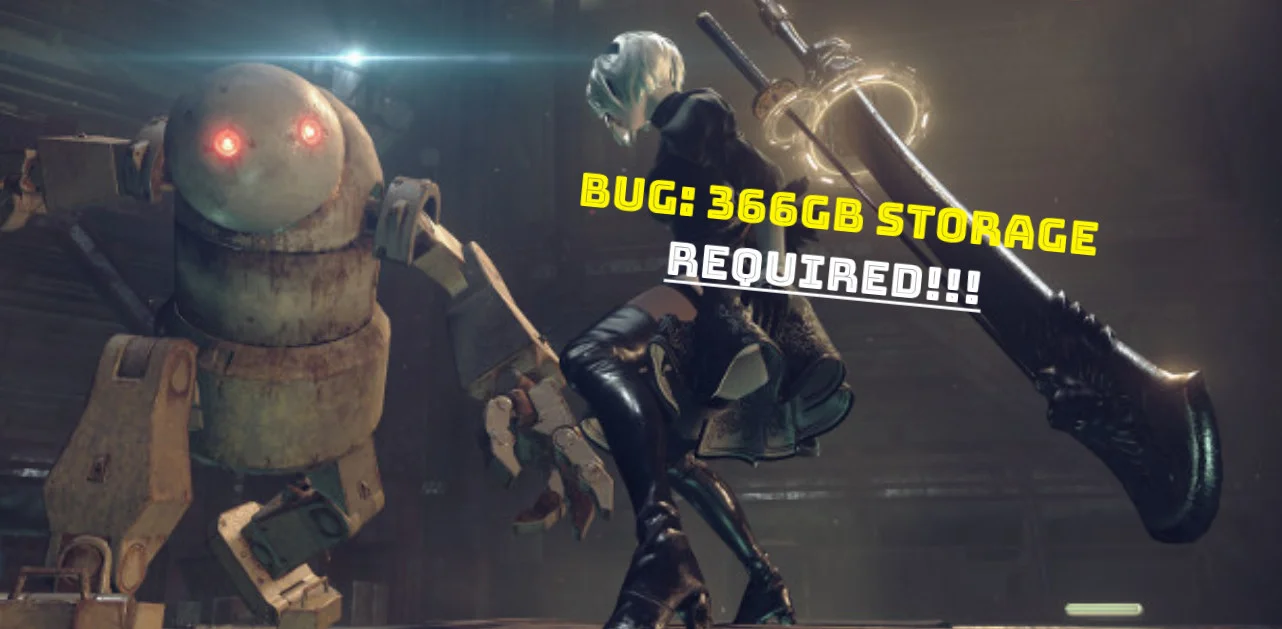
Players trying to install NieR: Automata on Steam are encountering an unusual problem following the November 6 update. Steam is requesting up to 366.56GB of free storage space, despite the game's expected storage requirement being around 50GB.
The update was intended to add support for Simplified Chinese, Traditional Chinese and Korean. However, it also introduced an issue that causes Steam to demand significantly more storage space than necessary.
Square Enix confirms the Steam installation bug
Square Enix has acknowledged the problem through the official NieR Steam news page. The company says it has identified an issue with the latest update and is investigating the cause while working on a fix.
Importantly, the game itself has not suddenly grown to 366GB. The unusually high figure refers to the free space Steam requests during installation, not the actual size of the installed game.
How to install NieR: Automata using the temporary workaround
Until a permanent fix is available, Square Enix has provided a temporary workaround. Players can install the base game by disabling all DLC items in Steam before starting the download.
Temporary workaround
- Open your Steam Library.
- Right-click NieR: Automata and select Properties.
- Open the DLC tab.
- Uncheck every DLC item listed there.
- Close the Properties window and start installing the base game.
According to Square Enix, this allows the base game to download using the intended amount of storage space. The workaround does not require players to free up hundreds of gigabytes unnecessarily.
There is currently no confirmed date for the permanent fix. Square Enix says it is still investigating the issue, so players planning a fresh installation may want to use the workaround in the meantime.

Webmastahhh is the creator of Mastanet, a gaming and technology website where he shares news, reviews, guides and personal insights about games, hardware, software and the future of digital entertainment.